
A local toolkit for X

Make X workyour way.

Shape the timeline, keep the searches and posts you actually use, and write on device. Xext stays beside X instead of moving your work into another dashboard.

  • Free forever for the basics
  • $4.9 lifetime Pro
  • No X login
  • No X API
BasicsFree forever
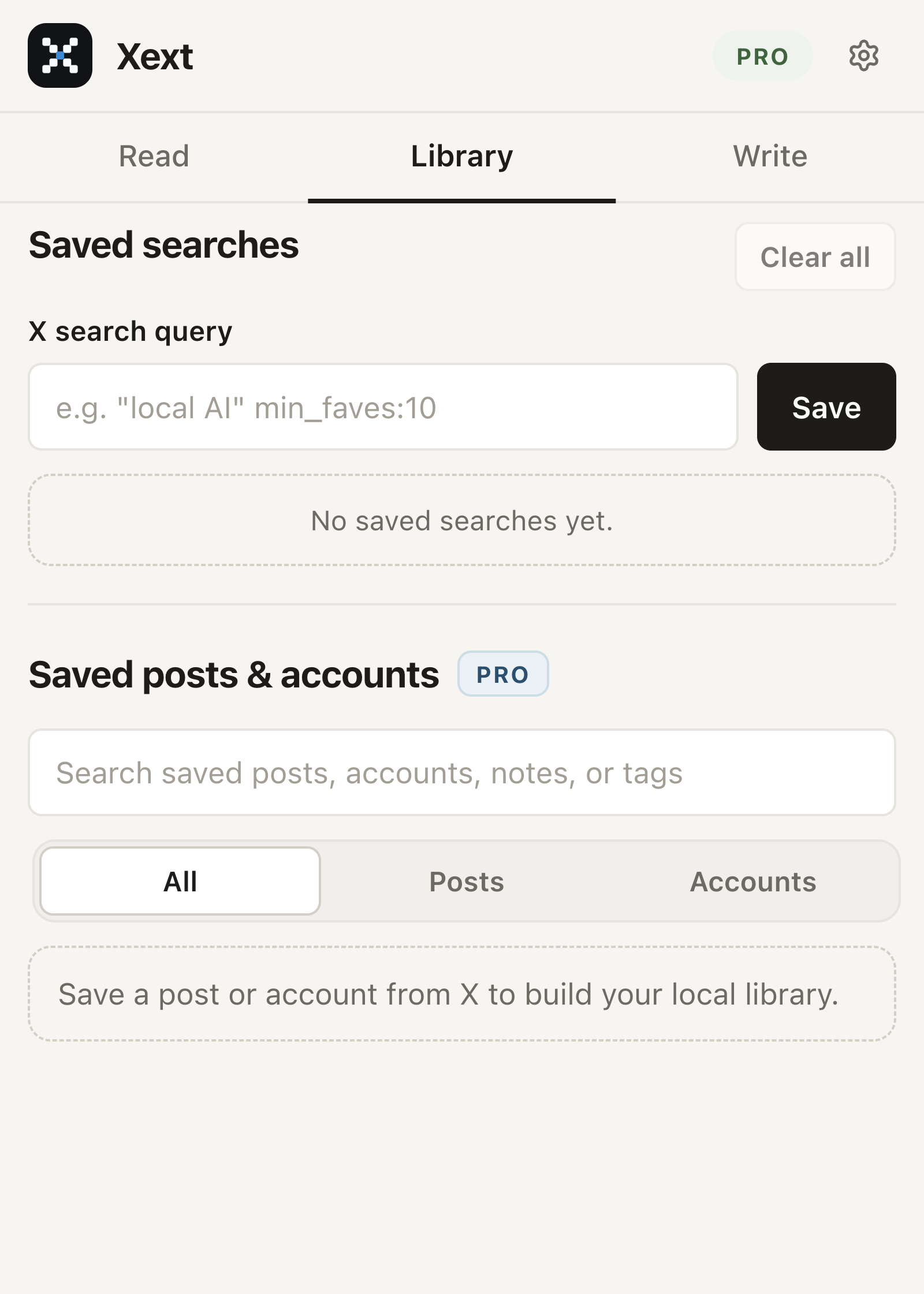
Xext popup on the Library tab, with local saved searches, posts, and accounts
Pro$4.9 lifetime

Free foreverCore local tools

On deviceChrome Built-in AI

PrivateYour X data stays local

SimpleOne-time license

How it works

A quiet utility with visible results.

  1. 01

    Shape the page

    Hide the right sidebar, widen the timeline, center the columns, and remove Grok, Premium, promoted posts, or reposts when X labels them in the visible page.

  2. 02

    Keep what you need

    Save the searches you already use. In Pro, save a visible post or a small on-page account sample as a saved style. Nothing is collected in the background.

  3. 03

    Write on device

    Polish a draft you already wrote, or start a new post from a topic and a saved style. Review the text, then copy it into X yourself.

Xext popup on the Library tab, with local saved searches, posts, and accounts

The toolkit

Free tools stay free. Pro adds depth.

Free forever

Make the surface fit.

  • Layout controls

    Sidebars, density, centering, and full-width timeline content. Every change restores X when you turn it off.

  • Saved searches

    Keep the queries you already use and reopen them without rebuilding operators.

  • Export and import

    Move settings, searches, and library data as a readable JSON file. License state stays out of the file.

Pro lifetime

Write with a saved style.

  • Saved posts & accounts

    Save a visible post or a small account sample. Add notes, tags, and highlights in this browser.

  • On-device drafting

    Rewrite an existing draft or generate a new post from a topic and a saved style. No cloud fallback.

  • Local filters

    Keyword and account presets, plus a best-reply highlight from engagement already on the page.

Use cases

Useful wherever you use X.

FAQ

Frequently asked questions.

What is free in Xext?

Layout controls, saved searches, and local export/import are free forever. They do not require an account, X login, or license.

What does Pro unlock?

Pro unlocks saved posts and accounts, style-aware drafting, local keyword and account filters, best-reply highlight, and selected Chrome Built-in AI actions.

Does Xext use the X API or X login?

No. Xext does not connect an X account, call the X API, intercept undocumented endpoints, or fetch account data in the background.

Where does my data go?

Page state, saved posts and accounts, settings, searches, and AI inputs stay in browser storage. The Xext Worker is used only for Creem checkout and license verification.

Is Pro a subscription?

No. Pro is a one-time $4.9 lifetime license. Creem emails the key after purchase. You activate it in Xext Settings.

How do I activate Pro?

Buy the lifetime license, open the email from Creem, then paste the key into Xext Settings. Free tools stay available even before activation.

What if Chrome Built-in AI is unavailable?

Those actions hide or disable cleanly. Xext does not send draft text to a remote model or to the Xext Worker as a fallback.

Does Xext post or engage for me?

No. Xext never likes, follows, replies, reposts, or publishes. You review every draft and use native X controls yourself.

Simple pricing

Keep the useful parts of X close.

$4.9

One lifetime Pro license. Free tools stay free.

Get Xext ProInstall the free extension

License key emailed after checkout. Activate it in Xext Settings.